
If you make content, you already know that time is your most important resource. You have to come up with ideas, film, edit, post, and talk to people all in one day. The good news is you don’t have to spend hours and hours cutting and polishing your videos anymore. The video cutter from Pippit AI can help you do a lot of editing in a short amount of time.
This isn’t about rushing through your edits. It’s about getting smart, quick wins that help you stick to your posting schedule without lowering the quality. These editing tips can help you work better and get your best content in front of your audience faster.
Let’s talk about how you can make editing one of the easiest things you do all day.
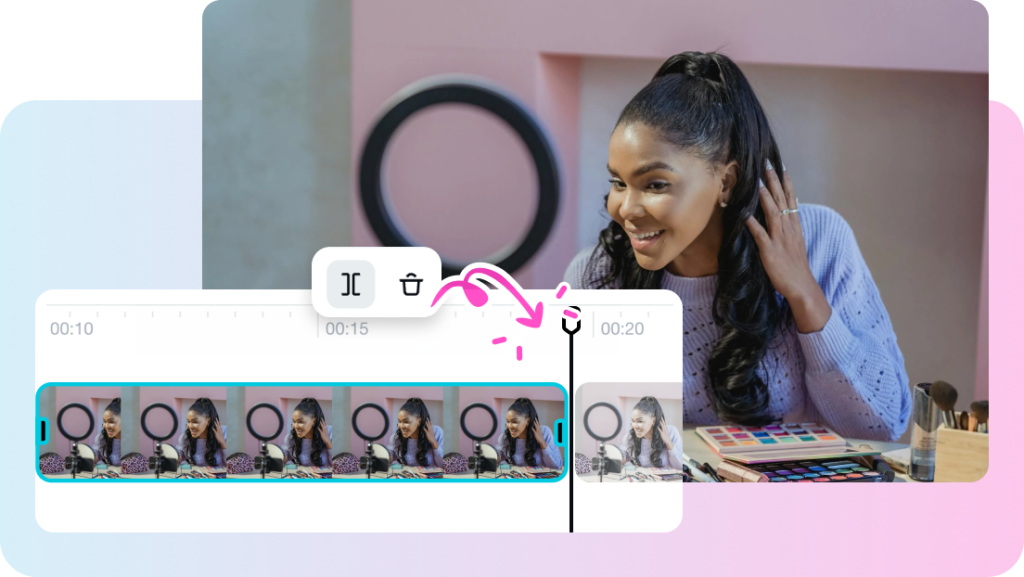
TABLE OF CONTENTS
Getting to the gold
There is a “golden moment” in every piece of content you make that makes people stop scrolling. The problem is that there’s often extra footage around those moments that you don’t need.
With a smart video cutter, you can go straight to the best part, cut out the fluff, and give your viewers only the most important information. If you spend less time cutting out awkward pauses or unwanted scenes, you’ll have more time to craft creative stories and post them regularly.
Taking long content and turning it into short videos for social media
Do you have a long video on YouTube, an interview, or a how-to? That’s a great place to look for short content. Use your cutter to quickly pull out 15–60 second clips that can stand on their own instead of making new videos for Instagram, TikTok, or LinkedIn.
This is where tools like Pippit AI come in handy. They let you not only cut your content but also resize it and change its format so that it looks great on all platforms. You can also use Pippit AI’s image to video tool to make posts that move. You don’t need any extra software to create animated, engaging content – all it takes is a few clicks.
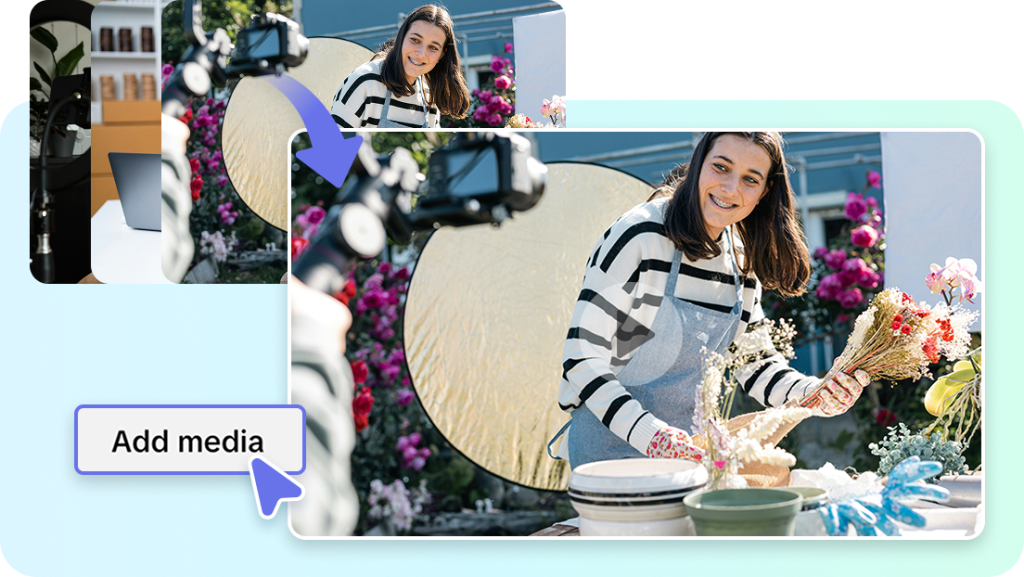
How to use Pippit AI to cut your videos in just a few minutes:
You can quickly trim videos with Pippit AI’s video cutter in the following way:
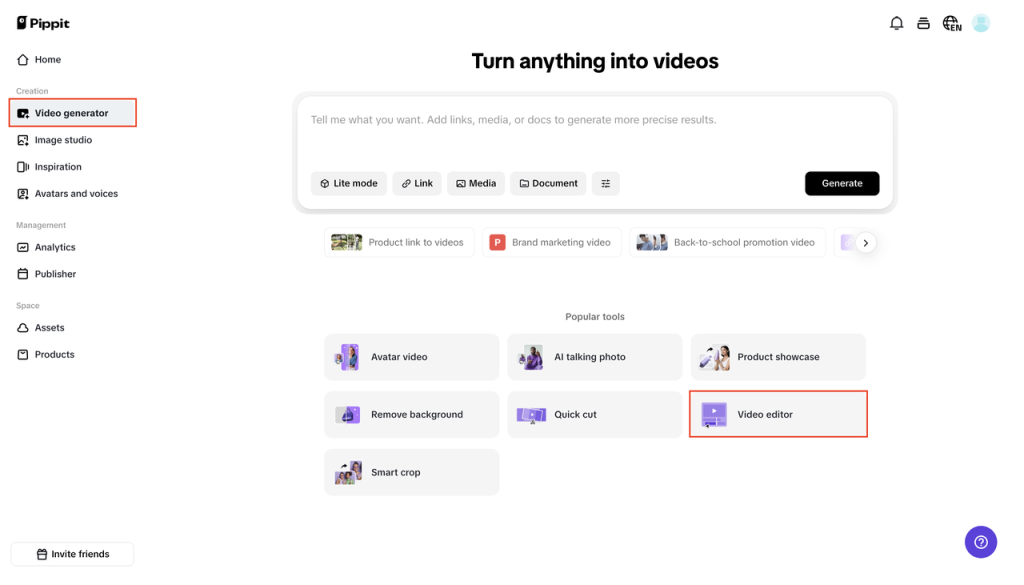
Step 1: Open the video editing program
Log in to Pippit and go to the dashboard. In the left menu, click on “Video generator,” and then on “Video editor.” Add your video by either clicking “Click to upload” or dragging and dropping it into the workspace.
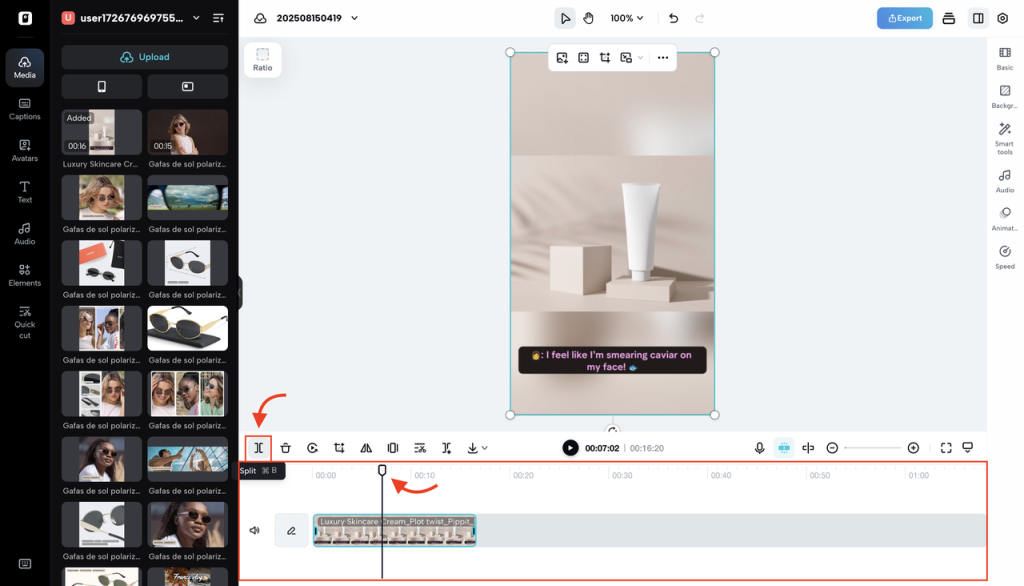
Step 2: Use the tool to trim the video
To see the video, click on it in the timeline. To get rid of extra footage, move the start or end handles. To remove something from the middle, move the playhead to that frame, click “Split,” and then remove the part you don’t want.
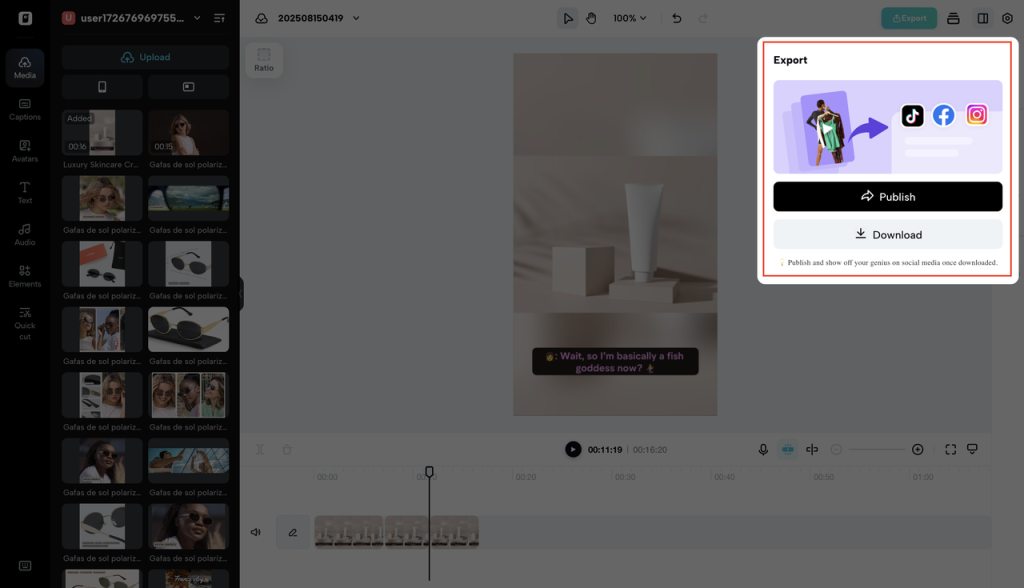
Step 3: Send the edited video to someone else or save it To save, click “Export” in the top right corner, choose your resolution, format, and frame rate, and then click “Export” again. You can also post directly to your linked social media accounts for instant publishing.
Making sure your changes are right for the platform
One of the easiest ways to win at editing is to make sure your video is right for the platform it’s on. One piece of content can work on more than one platform if you format it correctly.
For example:
- Vertical (9:16) formats are best for Instagram Reels.
- YouTube Shorts are also vertical but work best when the first three seconds have a strong hook.
- For feed visibility, LinkedIn videos look better when they are square or horizontal.
If your video cutter can change the format, you can make one master video, cut it into the right aspect ratios, and publish it everywhere without having to start over.
Using the same content over and over again to keep people interested
Don’t forget how valuable it is to reuse your best moments. From one recording of a podcast, you could get:
- A long video on YouTube
- A few short teaser videos for TikTok and Instagram
- GIF-like videos for email newsletters
The key is to use your cutter to break up your content into small, easy-to-watch parts that can be used on any platform. This keeps your posting schedule full and your content fresh without you having to make new videos all the time.
Adding variety with creative reverses
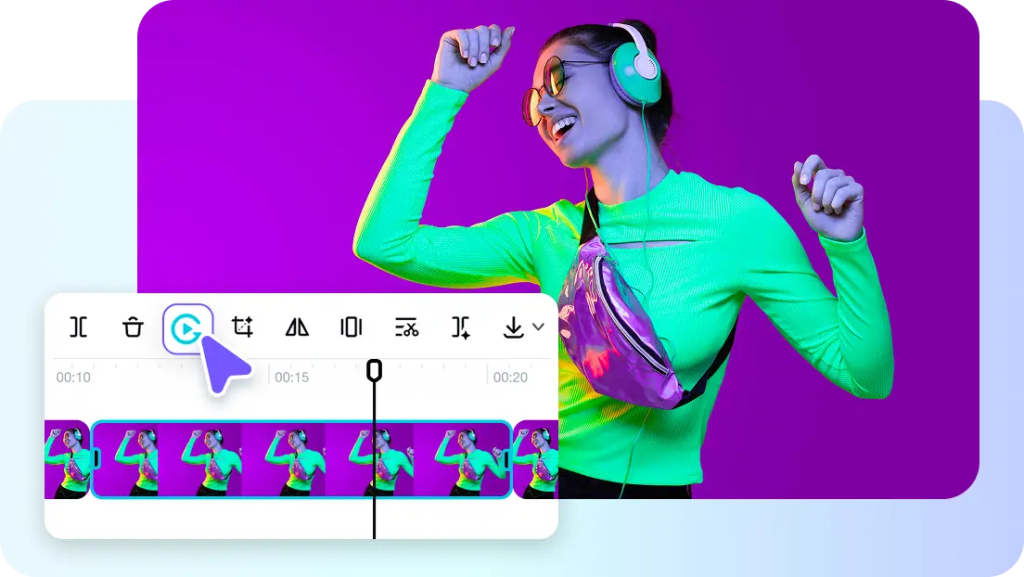
While cutting and trimming are important, adding creative touches can make your videos even more engaging. With Pippit AI’s video reverser feature, you can flip your video backward. This is great for creative transitions, fun effects, or making everyday moments look magical.
Think about it: a drink unpoured, a high-five rewinding, or a jump that looks like you’re flying backward. You don’t have to shoot extra footage or use complicated effects software to make your videos more shareable and memorable.
Why it’s important to make content quickly
If you can edit and publish quickly, you can respond to trends, news, and viral moments before others. If you know how to cut fast, you could post a video with a trending sound or hashtag by lunchtime while others are still editing.
Your video cutter is more than just a tool; it’s a way to stay visible and keep your audience engaged.
To wrap it up
Quick editing wins don’t mean cutting corners. They mean working smarter. With the right tools, you can cut, repurpose, and improve your content much faster than before.
With Pippit AI’s video cutter and other features like image-to-video and video reverser, you have everything you need to stay consistent, creative, and competitive in today’s fast-paced digital world.
If you want to spend less time editing and more time creating, make your video cutter your go-to tool.